Some time ago at Imply, we launched PlyQL, a command line utility that provides an SQL-like interface to Druid via Plywood.We heard a lot of positive feedback as many people prefer to use SQL over Druid’s native JSON-over-HTTP interface.The most common question we hear about PlyQL is how one can interface to it programmatically either from user created apps or from existing SQL based BI tools.We are pleased to announce we just released PlyQL 0.7 with two brand new programmatic interface options: SQL-over-HTTP and MySQL Gateway.
PlyQL will start listening on port 8083 where you can POST some SQL like so:
curl -X POST 'http://localhost:8083/plyql' \
  -H 'content-type: application/json' \
  -d '{
  "sql": "SELECT COUNT(*) FROM wikipedia WHERE \"2015-09-12T01\" <= __time AND __time < \"2015-09-12T02\""
}'
Check out the json-server docs for more info about possible parameters.
MySQL Gateway
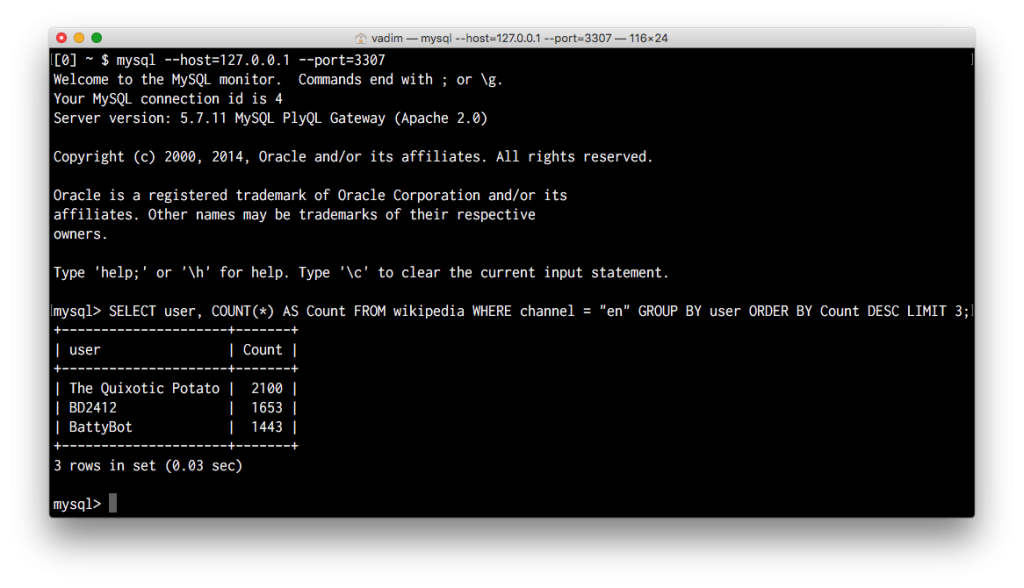
In this experimental feature we use the excellent node-mysql2 library to provide a MySQL server interface.
PlyQL will start in a MySQL-like server mode and will be queryable from a MySQL client, ODBC, or JDBC driver.
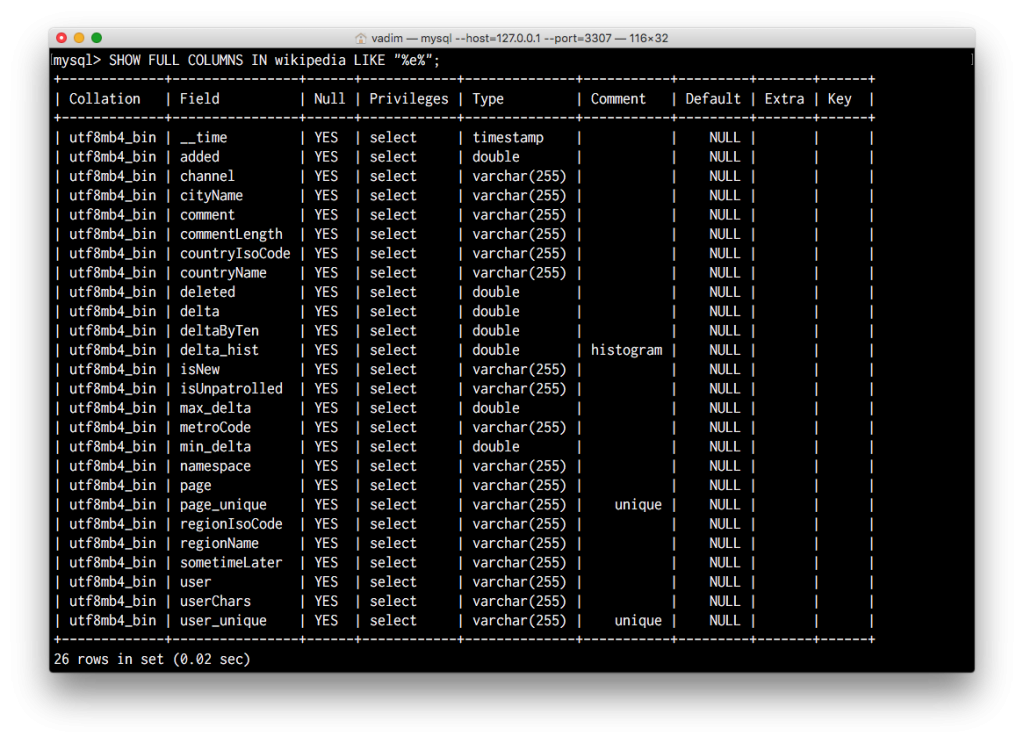
PlyQL will attempt to respond faithfully to SET, SHOW, DESCRIBE and any other meaningful query so that it appears to the client as a real MySQL server with read-only permissions.
While not all of MySQL is supported, the goal is to provide a way for new and existing tools that already communicate via ODBC or JDBC interfaces to talk to Druid using PlyQL.
Here is an example of how you could use the existing MySQL JDBC driver to query the above PlyQL gateway.
import java.sql.SQLException;
import java.sql.DriverManager;
import java.sql.Connection;
import java.sql.Statement;
import java.sql.ResultSet;

class DruidQuery
{
  public static void main(String[] args) throws SQLException
  {
    Connection con = DriverManager.getConnection("jdbc:mysql://127.0.0.1:3307/plyql1");
    Statement stmt = con.createStatement();
    ResultSet rs = stmt.executeQuery(
      "SELECT page, count(*) AS cnt FROM wikipedia GROUP BY page ORDER BY cnt DESC LIMIT 15"
    );

    while (rs.next()) {
      String page = rs.getString("page");
      long count = rs.getLong("cnt");
      System.out.println(String.format("page[%s] count[%d]", page, count));
    }
  }
}
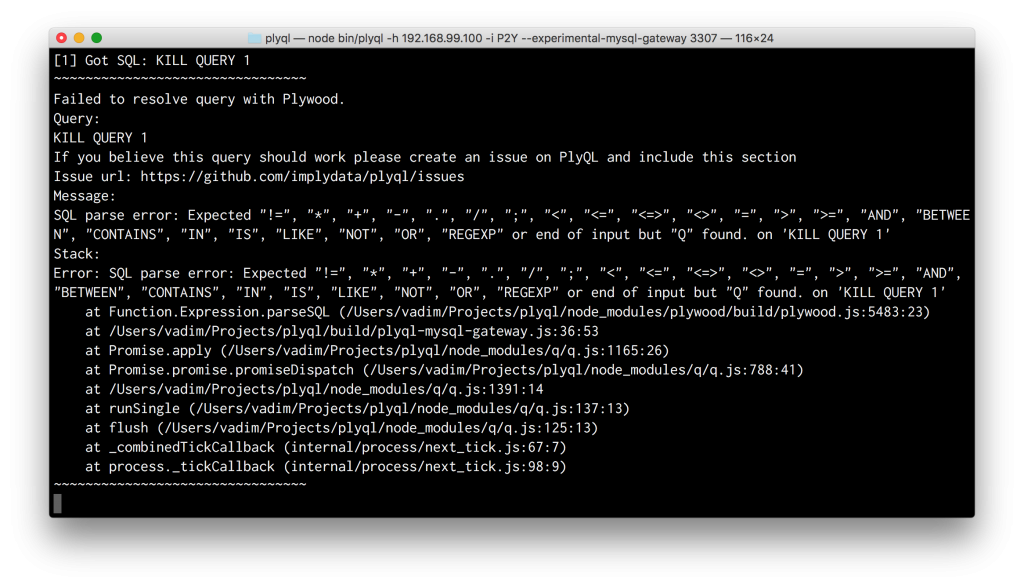
We are looking for your help to make this tool better. Whenever a query cannot be handled it will throw an error like so:
If this happens, please file an issue, if one does not already exist, and tell us what client software generated the relevant query.
For more information please look through the PlyQL Readme or run plyql --help
Other blogs you might find interesting
No records found...
Nov 18, 2026
Agentic security needs more than agents. It needs evidence.
An AI agent investigating suspicious activity may need to trace an account across systems, examine related events, and search months of history. Each answer can lead to another question. But what happens when...
Imply Lumi Virtual Tier is now generally available
Lumi Virtual Tier is generally available today on Lumi Cloud and Lumi Enterprise. Customers are already using it to keep historical data searchable without always-on infrastructure. Compute spins up when a...
Imply Lumi Loglake vs. Splunk Machine Data Lake: Your Data Lake as a Splunk Index
Splunk customers want to keep more log data for longer without paying indexer prices for it. Splunk’s answer is Machine Data Lake (MDL), now generally available on Splunk Cloud Platform. Imply Lumi Loglake...
 Vadim Ogievetsky